
Jostle vs Happeo
The employee hub for teams that need more than a knowledge base
Happeo is built to be the one official place for company knowledge. Its effort goes into organizing policies and processes into pages, and into search that reaches the tools where your files already live. If finding answers is the whole job, that focus fits.
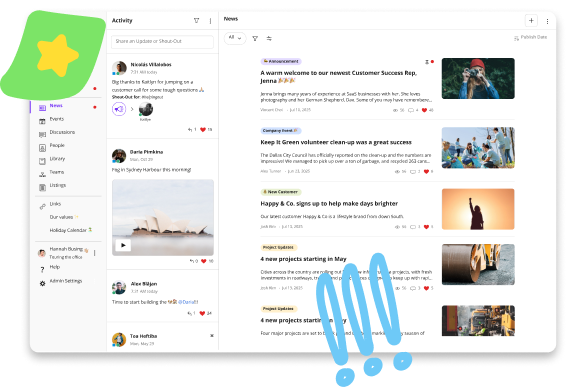
Jostle puts that same care into knowledge, and just as much into keeping employees informed and recognized. Updates reach the people they apply to, and good work gets seen across the company. Every employee has all of it from their first login, with nothing to join or follow themselves, and no corporate email needed.
Get demo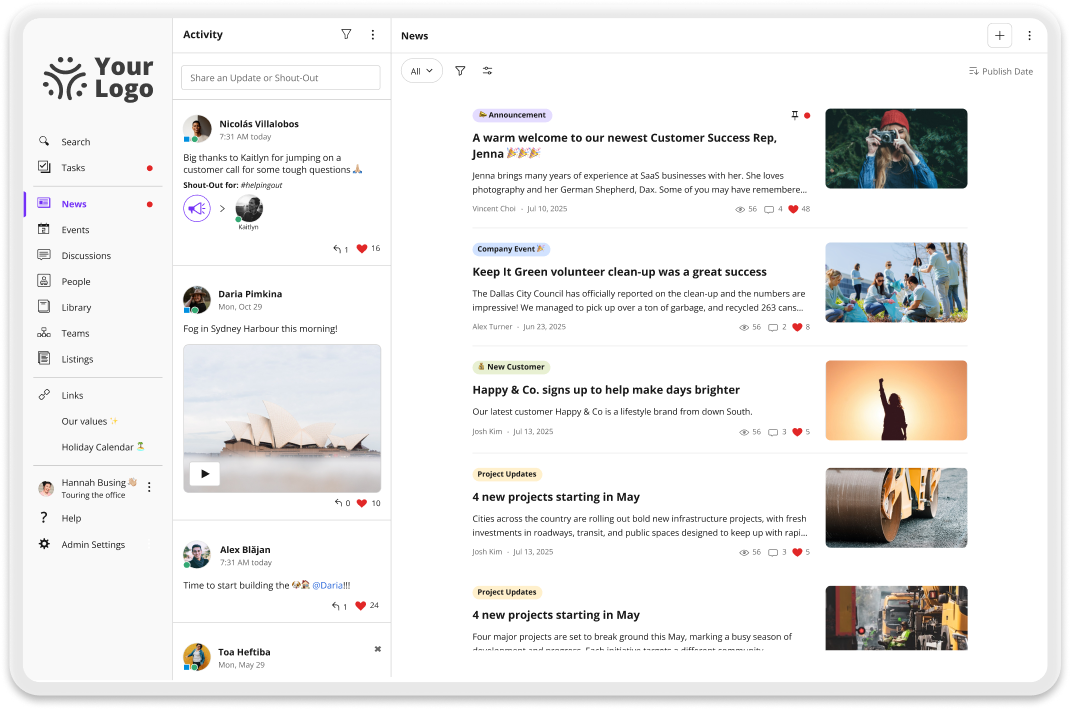
Why teams choose Jostle over Happeo
Updates find the right people
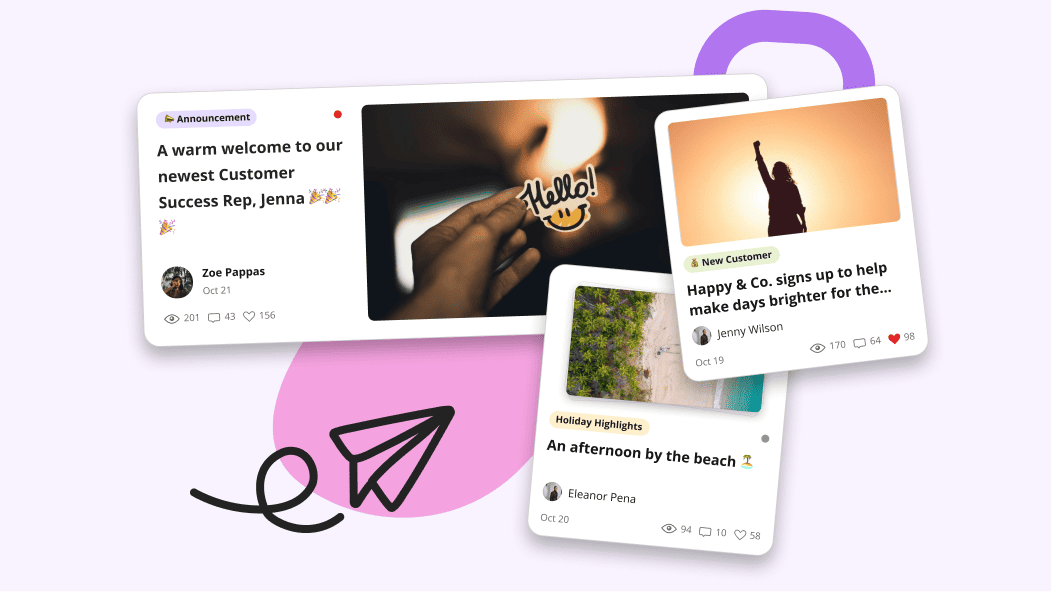
Every News item carries its own audience. You pick the locations, departments, or roles it applies to, and Jostle fills in the people from the employee data your HR system already keeps. That way, a new hire at the Denver warehouse sees Denver updates on their first day, and stops seeing them the day they transfer.
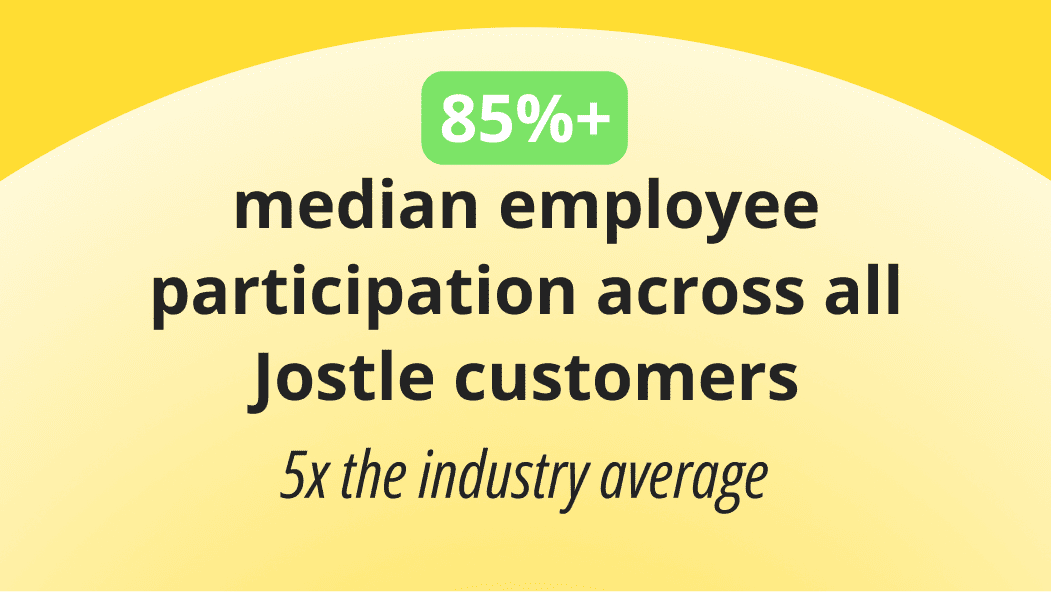
That relevance is a large part of why median employee participation on Jostle runs above 85%. People keep opening News because what’s there applies to them. And when an update can’t be missed, Sign-Off asks each person to confirm they’ve read it and keeps a record of who hasn’t.
Reaches your deskless employees
Warehouse crews and seasonal staff often don’t have a company Google or Microsoft account, and you shouldn’t have to create one just so they can stay up to date.
Jostle supports SSO through Entra ID, Google, and Okta for the people who have those accounts, and its own username and password for the people who don’t. Either way, they get the same access to the updates and resources that apply to them.
Most will open Jostle on their phone, where search and targeted News work the way they do on desktop. This ensures on-site crews get the payroll cutoff change the same day as the coordinator at head office, and JostleTV puts it on a break room screen for anyone who doesn’t carry a phone on shift.

Organized from day one
Jostle’s destinations are already in place the first time you sign in. News, Activity, People, and the Library each do one job, so launch prep comes down to loading your content and connecting your people. Your implementation specialist walks you through it, and IT’s part is limited to SSO and the employee data sync.
The Library follows the same logic. Policies and handbooks go into sections that each have a Librarian responsible for keeping them current, and Ask a Question answers from that content, citing the document it used.
Because the structure never changes, an employee who learned where things are in their first week never has to relearn it.
Recognition gets a home of its own
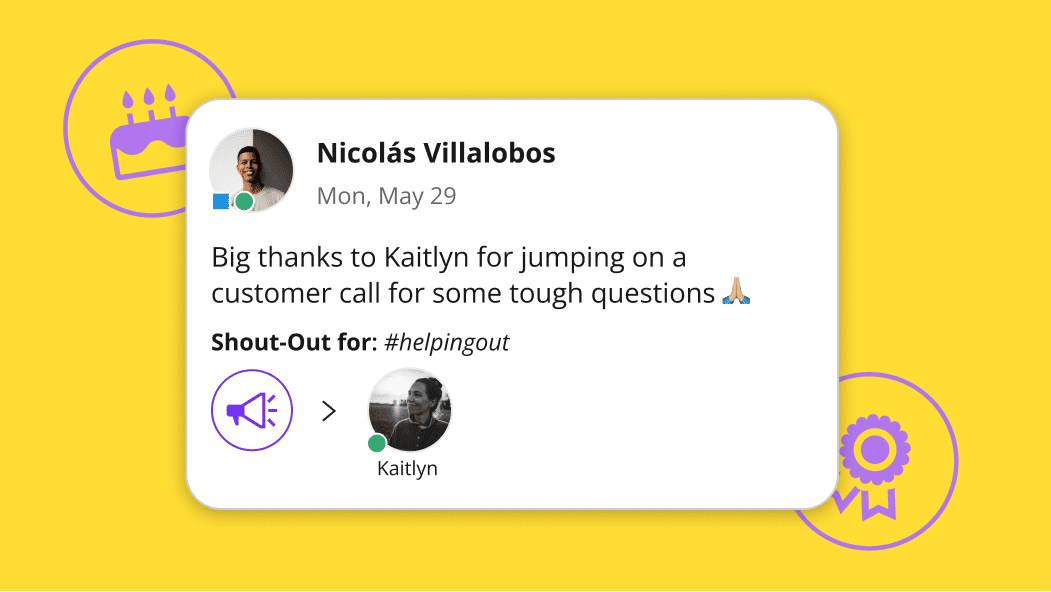
Shout-Outs live in Activity, a feed the whole company shares. A thank-you from finance to a site supervisor gets seen by both of their teams, and each Shout-Out can be tied to one of your company values. Birthdays and work anniversaries also post automatically to keep the feed active.
Keeping Activity apart from News means a busy week of Shout-Outs never pushes the revised safety procedure down the page. People catch up on the week’s wins when they have a minute, and the update HR needs them to read is still where the publisher put it.
Compare Jostle vs Happeo on what matters
| Capability | Jostle | Happeo |
|---|---|---|
| Core intranet | ||
| Company news & announcements |

|
Channels with Posts, Articles and Announcements
|
| Content targeting (news, files, events) | All content targeted (by role, location, team, etc.) | By channel membership only—no rule-based targeting |
| Read acknowledgments / must-reads |
Built-in Sign-Off
|

|
| Employee directory |
People view & Profiles
|
People Directory
|
| Org chart—Basic main org |
Teams view
|
Built from the manager field in your identity provider
|
| Org chart—Complex reporting |
|
|
| Org chart—Multiple charts |
|
|
| Document library |
Syncs permissions with Google Drive / OneDrive
|
Surfaces Drive and SharePoint with source permissions. No native library.
|
| Discussion / Chat |
Discussions view
|
Relies on Slack, Teams or Google Chat integration
|
| Events management |
Events view
|
Calendar only, no RSVP or events
|
| Employee recognition |
Shout-Outs, Birthdays, Work Anniversaries, and Badges
|
Kudos with custom badges. Birthday and work anniversaries manually added.
|
| Universal search |
Intranet & synced files
|
Intranet included. Federated Search is paid add-on, some connectors cost extra.
|
| AI-assisted search |
|
|
| AI content governance |
Built-in Scheduled Review (keeps content fresh safely)
|
Lifecycle Management flags stale pages and can auto-archive
|
| Mobile app |
Publishing parity
|
Consumption-oriented. Kudos, and AI search all degraded or desktop-only
|
| Deployment & admin | ||
| Time to launch | Days | Weeks. Vendor publishes a four-week plan |
| Information architecture setup | None Pre-structured | Moderate. Page groups, channels and identity-provider group design |
| Onboarding coaching included |
|
Customer success included
|
| Admin training required | None Built for non-tech teams | Low to moderate—self-serve help centre. |
| Integrations | ||
| SSO (SAML 2.0) |
Entra ID, Okta, OneLogin, Google, others
|
Google and Microsoft sign-in included. SAML is a paid add-on
|
| User provisioning (SCIM) |
Entra ID, Okta, Google Workspace, API
|
Entra ID, Okta and 17 HR systems. HRIS provisioning is Enterprise only
|
| Google Workspace integration |
Deep integration
|
|
| Microsoft 365 integration |
OneDrive, SSO, Teams
|
SharePoint and OneDrive supported
|
| Slack / MS Teams integration |
|
Slack gets an AI agent; Teams gets one-way post mirroring
|
| API |
|
REST API
|
| Security & compliance | ||
| Data residency options |
US, Canada, EU (Ireland), Australia
|
No published region options
|
| GDPR compliance |
|
|
| SOC 2 |
|
|
| Audit logs |
|
|
Jostle vs Happeo pricing
| Aspect | Jostle | Happeo |
|---|---|---|
| Pricing model | Per user/month, tiered by features | Per seat across three tiers |
| Published pricing |
View here
|
|
| Starting price (500 users) | $2.77/user/month (Bronze) |
|
| Mid-tier price (500 users) | $4.98/user/month (Silver) |
|
| Full-featured price (500 users) | $6.64/user/month (Gold) |
|
| Enterprise / all features | $7.88/user/month (Platinum) |
|
| What’s included at base tier | News, Activity, People, Discussions, mobile apps, SSO, provisioning, analytics, onboarding, coaching | Pages, AI search |
| Add-on modules | Tasks, Teams, JostleTV, Listings, Events—Silver+ tiers | SAML SSO, HRIS provisioning, Knowledge Engine, advanced analytics—priced separately |
| Onboarding / implementation | Included in subscription | Customer success included—professional services charged extra |
| Free trial |
|
|
| Contract minimums | 1 year | 1 year, auto-renewing on 60 days’ notice—renewal seats set at the higher of committed or actual |
Trusted by 1,000+ organizations worldwide









_HighPerformer_HighPerformer 1.png)
4.6/5 in 222 reviews

Jostle vs Workvivo FAQs
Is it hard to migrate from Happeo to Jostle?
No, and most of the work is sorting what you already have. A Happeo admin can export lists of pages, channels, and users from Admin Settings, and that export becomes your inventory. Your implementation specialist goes through it with you and marks what moves and who owns it on the other side.
Your people come across through the identity provider that fed Happeo. Entra ID and Okta provision Jostle automatically, and a Google domain syncs employee data directly. Job titles, locations, and start dates arrive structured, and joiners and leavers stay current without anyone editing a list.
What makes it even easier is that the content has an obvious place to go. Policies and handbooks become Library items under a Librarian who owns that section, announcements become News, and the People directory fills itself from the sync. There are no pages to recreate, because the places that content lands are already there.
Does Jostle integrate with Google Workspace?
Yes. Google is one of the identity providers Jostle supports for sign-in, using OpenID Connect, and people can launch the platform straight from the Google App Launcher. Employee data imports and syncs from your Google domain, so a new hire appears in Jostle when they appear in Google.
On the content side, the Library can sit on Google Drive, so files stay where they already live and open in Docs, Sheets, or Slides without anyone leaving Jostle. Drive permissions are locked and maintained on the Google side, which lets a Librarian share a file with a location or department without untangling folder access. You can also start a new document from inside the platform, co-edit it there, and embed a Form or a Slides deck in a News item.
Org units connect to Google as well. A division or department can be tied to a Google Group, and editing the org unit in Jostle updates the Group. That lets you target a News post or send a calendar invite to that group without maintaining a second list by hand. Notifications land in Gmail.
What if we run both Microsoft and Google?
Jostle works with both at once. Sign-in and employee data can come from Entra ID, Google, Okta, OneLogin, or SAML, and Jostle keeps its own credentials alongside them. Teams notifications, Outlook calendar, Gmail, and Google Calendar all work at the same time, on the same platform.
Documents follow whichever suite they belong to. A person can create and co-edit a Word file and a Google Doc from the same place, and Microsoft Forms and Google Forms both embed into News and Library items.
The one choice you make is Library storage, which connects to either OneDrive or Google Drive. Point it at the drive that holds your policies, handbooks, and forms. Files in the other suite still get linked, shared, and found in search.
What AI features does Jostle have?
Jostle’s AI features all sit under JostleAI, which is included with every plan at no extra cost. Ask a Question answers employees’ questions from your Library, cites the documents it used, and only draws on content that person has permission to see. It also answers how-to questions about Jostle itself from the Support Center.
The Weekly Digest sends each employee a personalized email summarizing the latest news and updates. And for News authors, image suggestions find properly licensed photos based on the article’s content or a description they type in.
Jostle doesn’t use your data to train AI models, and System Admins can switch individual AI features on or off.
For the full feature list and Jostle’s answers on data handling, see the JostleAI page.
How is Jostle different from Happeo?
The two put their focus in different places. Happeo is a knowledge platform first, where teams lay out Pages and search reaches into connected tools like Drive and Slack. Jostle is an employee hub with fixed destinations for News, recognition, People, and the Library, so company updates and culture get the same attention as finding answers.
That shows up in how an update reaches people. In Happeo, posts live in Channels, and who sees one depends on who belongs to that Channel. In Jostle, each News item is targeted by employee data such as location, department, or role, so it reaches the right people whether or not they’ve joined anything.
Sign-in differs too. Happeo requires a Google Workspace or Microsoft account, while Jostle supports those along with its own credentials, which lets you include employees who don’t have a work email.
Do we need IT or a developer to run Jostle?
No. Whoever owns internal comms can run Jostle, whether that’s an HR generalist, an office manager, or a communications coordinator. Publishing a News item or adding a Library document doesn’t involve page layouts or code, and the destinations never need redesigning.
IT is involved once, during implementation, to connect single sign-on and the employee data sync. After that, new hires and leavers flow in from your HR system or identity provider, so there’s no user list for anyone to maintain. Plus, your implementation specialist stays with you through launch, so the person running Jostle isn’t left to work it out alone.
What Jostle customers say
See how Jostle compares to other platforms






Ready to see the difference?
Get a personalized walkthrough and see how fast your team can go live with Jostle.