
Jostle vs LumApps
Everything employees need, without designing it first
LumApps takes the shape you give it, so someone has to give it one. Dashboards get personalized by audience, and each region or brand can be given its own site, which is enterprise-level admin work their partner network exists to take on.
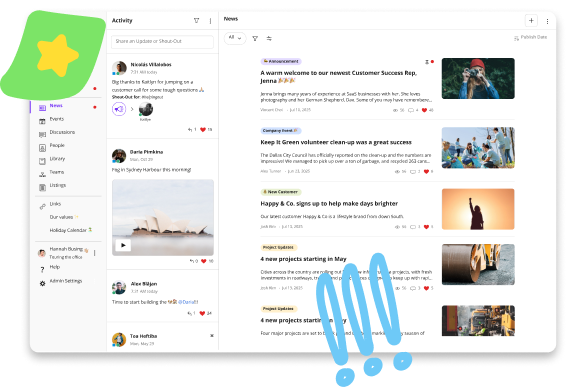
Jostle arrives ready to use. There's no layout to approve and no structure to sign off on, so employees can find updates, policies, and the people they need from the first day it's live. What you change comes from watching people use it, rather than guessing before they have.
Get demo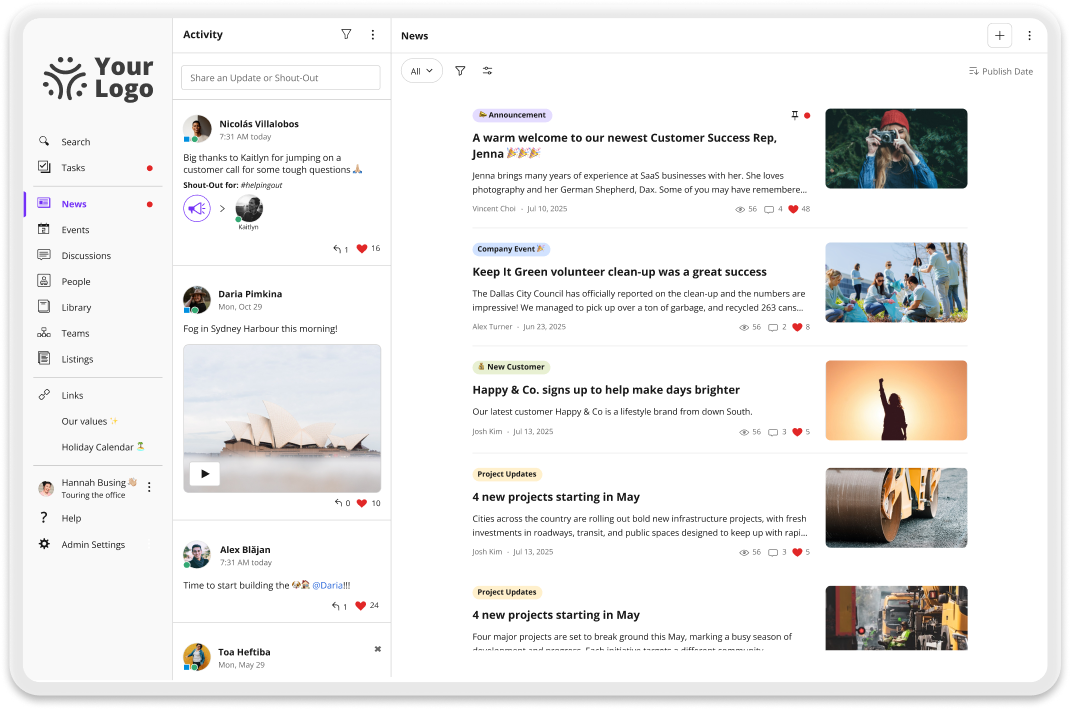
Why teams choose Jostle over LumApps
Your first week is content, not architecture
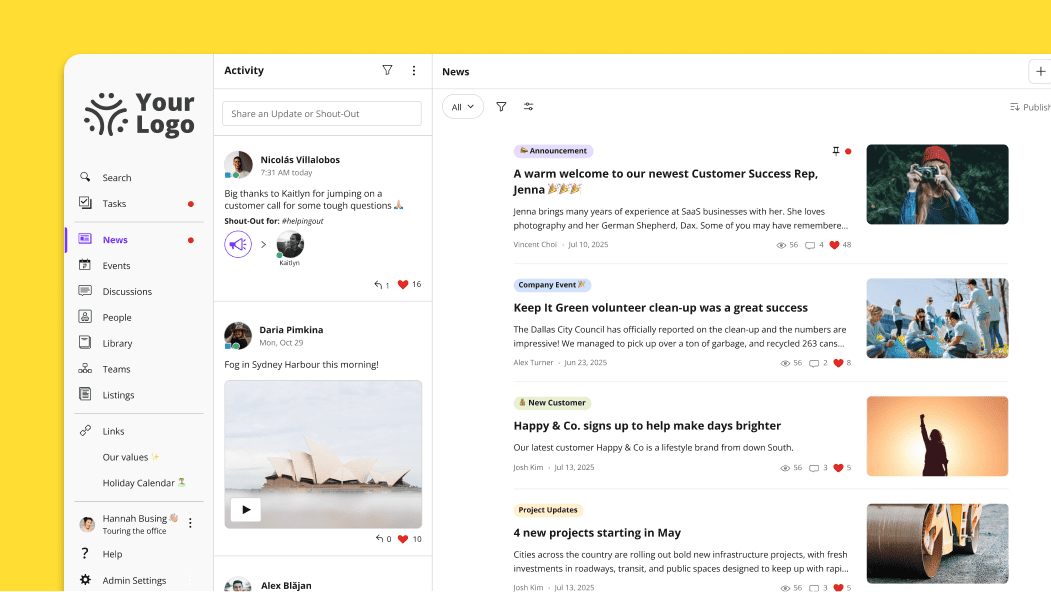
Announcements go to News. Documents go to the Library. Recognition goes to Activity. Because each destination has one job, a comms lead knows where to post and employees know where to look for the answers they need.
Onboarding is mostly getting your content into those places, which is why most teams are live in weeks rather than months. And if you need implementation help, it’s included in all plans.
Nothing to administer as you grow
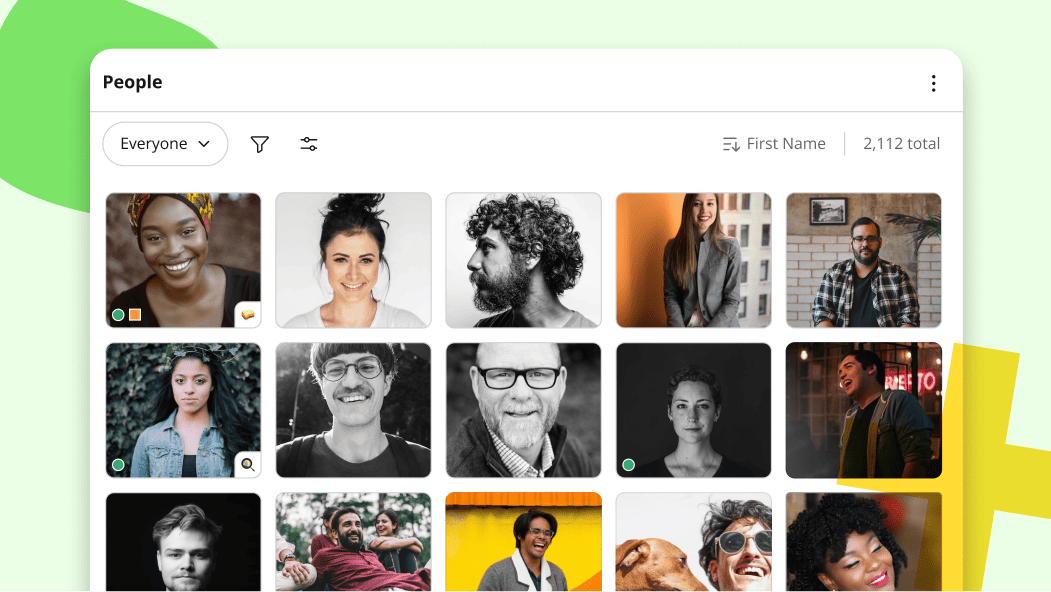
A new region or business unit doesn’t add anything to maintain. The destinations stay as they are and content gets targeted to the people it applies to, so nothing accumulates underneath that someone has to keep tidy a year later.
Changing how something looks doesn’t take web skills or a ticket. Formatting is already decided, so there’s no technical owner and no backlog.

Employees learn it once
Whoever figures Jostle out in their first week still knows their way around it three years later. Reorganizations change who reports to whom, not where the policy lives, and there’s no redesign coming that makes people relearn where things are.
New hires orient without training, and nobody has to ask a manager where to find something they’ve found before.
85%+ of employees use it
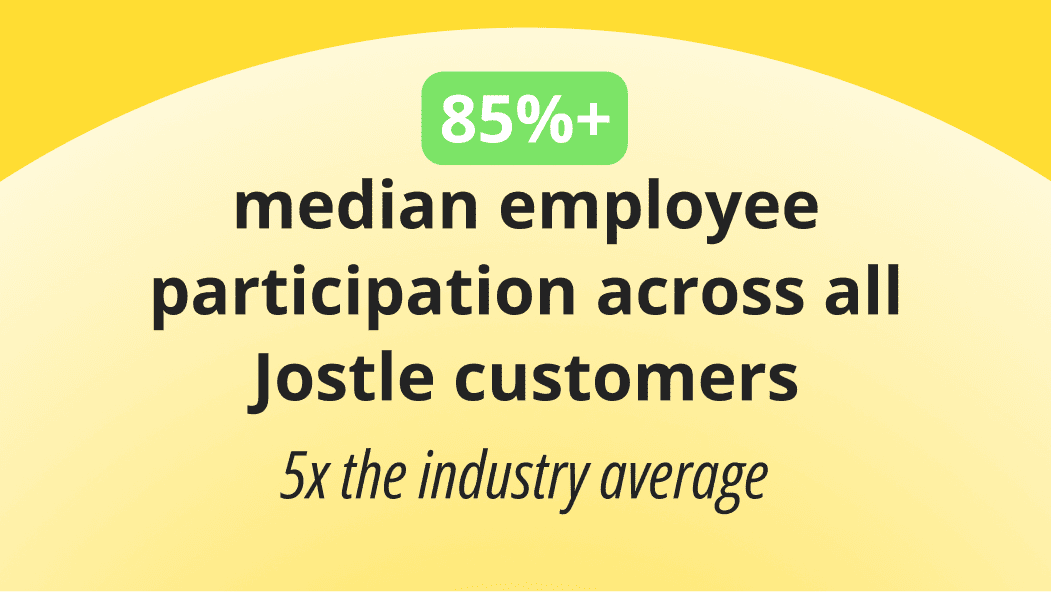
Median participation across every Jostle customer sits above 85%, counting people who read announcements, post in Activity, and look up a colleague rather than people who signed in once.
Growing to 1,000 employees doesn’t give anyone more to navigate than they had at 100, which is why participation holds at all sizes.
Compare Jostle vs LumApps on what matters
| Capability | Jostle | LumApps |
|---|---|---|
| Core intranet | ||
| Company news & announcements |

|
Broadcasts and campaigns across app, portal, signage and chat
|
| Content targeting (news, files, events) | All content targeted (by role, location, team, etc.) | Segments by role, location, department and shift |
| Read acknowledgments / must-reads |
Built-in Sign-Off
|

|
| Employee directory |
People view & Profiles
|
Users directory with custom profile fields
|
| Org chart—Basic main org |
Teams view
|
|
| Org chart—Complex reporting |
|
|
| Org chart—Multiple charts |
|
|
| Document library |
Syncs permissions with Google Drive / OneDrive
|
No native library. Surfaces Google, Microsoft, Workday, and ServiceNow with permissions respected.
|
| Discussion / Chat |
Discussions view
|
|
| Events management |
Events view
|
|
| Employee recognition |
Shout-Outs, Birthdays, Work Anniversaries, and Badges
|
|
| Universal search |
Intranet & synced files
|
|
| AI-assisted search |
|
Paid add-on
|
| AI content governance |
Built-in Scheduled Review (keeps content fresh safely)
|
Content lifecycle
|
| Mobile app |
Publishing parity
|
Consumption only. Paid-add on and requires technical knowledge to set up.
|
| Deployment & admin | ||
| Time to launch | Days | Months |
| Information architecture setup | None Pre-structured | High—content types, sites, navigation, roles and segments to design |
| Onboarding coaching included |
|
|
| Admin training required | None Built for non-tech teams | Moderate—partner certification, no public admin academy |
| Integrations | ||
| SSO (SAML 2.0) |
Entra ID, Okta, OneLogin, Google, others
|
SAML 2.0 and OpenID—Microsoft, Google, Okta
|
| User provisioning (SCIM) |
Entra ID, Okta, Google Workspace, API
|
SCIM via Okta, plus native directory sync
|
| Google Workspace integration |
Deep integration
|
Native, with a documented install path
|
| Microsoft 365 integration |
OneDrive, SSO, Teams
|
SharePoint and Teams—OneDrive not named
|
| Slack / MS Teams integration |
|
Teams, Slack and Google Chat
|
| API |
|
REST API—requires developer program enrolment
|
| Security & compliance | ||
| Data residency options |
US, Canada, EU (Ireland), Australia
|
Google Cloud and Azure—regions not published |
| GDPR compliance |
|
|
| SOC 2 |
|
Type II, plus ISO 27001
|
| Audit logs |
|
Not documented |
Jostle vs LumApps pricing
| Aspect | Jostle | LumApps |
|---|---|---|
| Pricing model | Per user/month, tiered by features | Per licence package, customised by size and functionality |
| Published pricing |
View here
|
|
| Starting price (500 users) | $2.77/user/month (Bronze) |
|
| Mid-tier price (500 users) | $4.98/user/month (Silver) |
|
| Full-featured price (500 users) | $6.64/user/month (Gold) |
|
| Enterprise / all features | $7.88/user/month (Platinum) |
|
| What’s included at base tier | News, Activity, People, Discussions, mobile apps, SSO, provisioning, analytics, onboarding, coaching | Not published |
| Add-on modules | Tasks, Teams, JostleTV, Listings, Events—Silver+ tiers | AI, search, learning and workplace modules are sold as separate pillars |
| Onboarding / implementation | Included in subscription | Not published |
| Free trial |
|
|
| Contract minimums | 1 year | Not published—volume discounts start at 2,000 employees |
Trusted by 1,000+ organizations worldwide









_HighPerformer_HighPerformer 1.png)
4.6/5 in 222 reviews

Jostle vs LumApps FAQs
Is it hard to migrate from LumApps to Jostle?
People data is the easy part. Jostle connects to the same HR system or identity provider LumApps was reading from, so your directory and reporting lines arrive intact.
Content is where most of the work is. LumApps sites and page layouts don’t carry over, because Jostle has nothing equivalent to put them in, so what moves is the content itself, sorted by what it’s for.
Policies and guides that lived as LumApps pages become Library content, and current announcements move to News. Files already stored in OneDrive or Google Drive connect to the Library through the integration, so they don’t need to be downloaded and uploaded again.
Week three of Jostle’s standard onboarding is set aside for that sorting, and if you’d rather Jostle’s team handle it, content migration is available as a professional service.
How fast can we launch Jostle compared to LumApps?
Jostle’s takes days to weeks from setup through to launch preparation, with regular calls with your Onboarding Manager along the way. By the end of it, your people and content are in place and your own administrators and content owners are publishing without help. Your Onboarding Manager can adjust the plan if your timeline or scope calls for it.
Standard deployments in LumApps often take weeks or longer, with timelines extending when custom integrations or multi-region rollouts are required. Some clients have reported four months or longer for complex implementations.
Do we need an implementation partner to set up Jostle?
No. Onboarding is included in every plan with no setup fee, and it’s run by Jostle’s own team. You’re assigned an Onboarding Manager who works through the plan with you on weekly calls. After launch, a Customer Success Manager becomes your ongoing contact, backed by Jostle’s support team.
But you’ll still want your own people involved. The standard launch team is built around an implementation contact, who spends four to eight hours a week during onboarding, and an executive sponsor, with a few hours a week from people in IT, HR, Communications, and Marketing.
If you’d like Jostle to take on project management or integration configuration as well, both are available as professional services.
Does Jostle charge add-ons for AI, video, or recognition?
Recognition is in every plan, including Shout-Outs tied to your company values and automated birthday and work anniversary milestones. Ask a Question, JostleAI’s answer feature, starts at Silver alongside the Library it answers from.
Ask a Question only draws on Library content the person asking is allowed to see, and it factors in their role and location, so two employees in different offices can get different answers to the same policy question. Every answer also cites the documents it came from, and your data is never shared for AI training.
Every plan also includes all integrations along with onboarding and full support. A handful of other capabilities are chosen by plan tier, and all of it is priced per user.
See Jostle’s pricing page for more information.
What size of organization is Jostle best for?
Jostle is best suited for organizations with roughly 50 and 2,000 employees, where internal communication usually belongs to one or two people in HR or operations.
Jostle is set up so non-dedicated staff don’t become the bottleneck. The people responsible for a policy can own and update it in the Library themselves, so the comms owner isn’t fielding every edit. The Weekly Digest emails each employee what’s new that applies to them, so nobody has to assemble a newsletter. And sign-offs show who has read a critical update, which replaces chasing people by email.
LumApps is primarily an enterprise solution, especially for organizations with thousands of employees spanning multiple regions, where its multi-site configuration earns the investment it requires.
Does Jostle work with both Google Workspace and Microsoft 365?
Yes, and both integrations are included in every plan. Single sign-on works through Entra ID, Google, Okta, and OneLogin, with user provisioning through SCIM.
On the Microsoft side, the Library connects to OneDrive and permissions stay where they already live, so a file restricted in OneDrive stays restricted in Jostle. Teams can receive Jostle notifications, and events sync with Outlook calendars.
On the Google side, Library content is organized in Google Drive in the same structure employees see in Jostle, and Docs and Slides open in Google’s own editor.
What Jostle customers say
See how Jostle compares to other platforms






Ready to see the difference?
Get a personalized walkthrough and see how fast your team can go live with Jostle.