
Jostle vs Sharepoint
An intranet you launch, not one you build
SharePoint gives you the building blocks for an intranet. But your team still has to turn them into a coherent employee experience and maintain it as the organization changes.
Jostle comes with that structure already in place. Updates, recognition, resources, and people each have a defined destination, which is why most organizations go live in days and can manage it without developers or consultants.
Get demo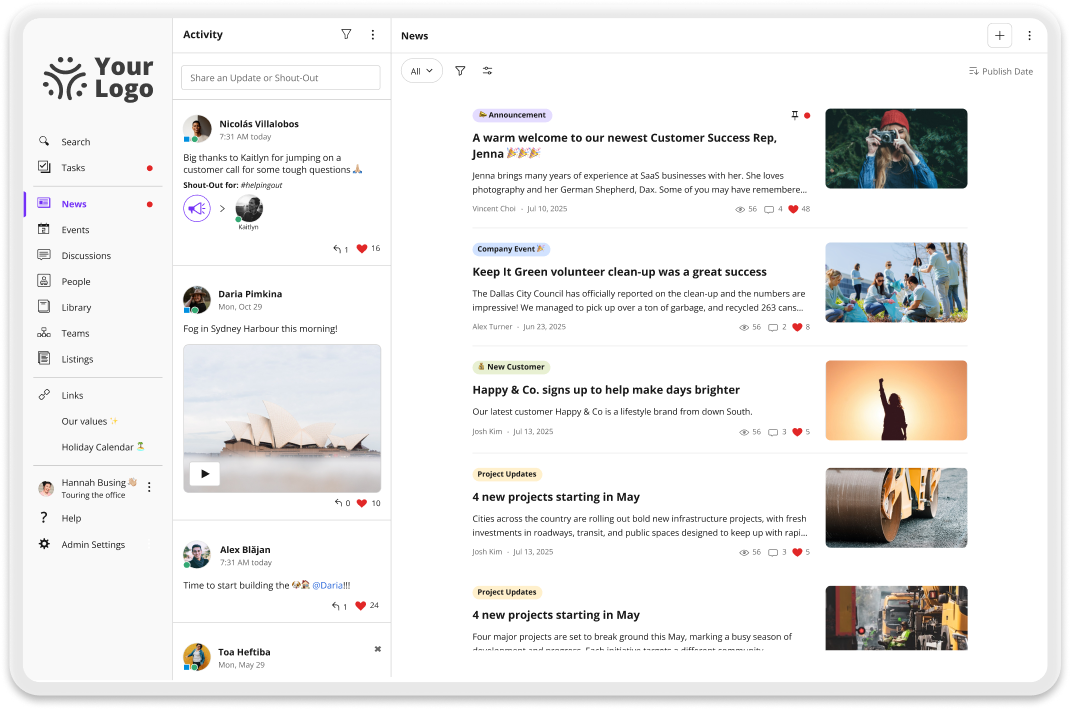
Why teams choose Jostle over Sharepoint
Update & publish without waiting on IT
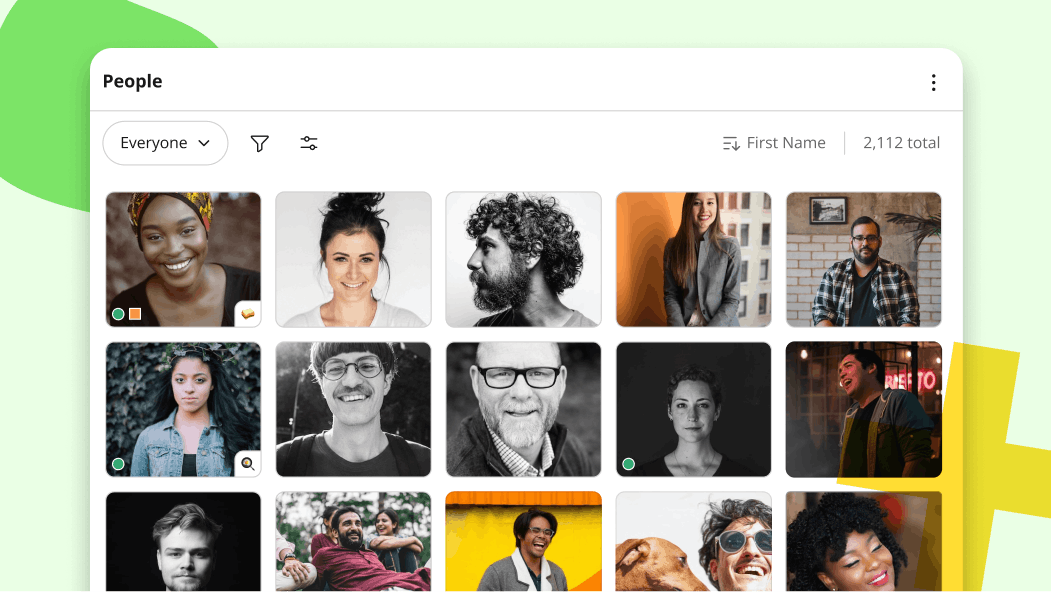
Adding a policy to the Library, publishing an announcement, or updating the People directory takes minutes and no technical knowledge. The people responsible for internal communication are the ones who control it.
SharePoint gives you more room to customize the full experience, but that flexibility usually means a site owner, a governance policy, and someone in IT who understands the page layout well enough to fix it when it breaks.

A platform employees adopt and return to
News, people, conversations, and files each have a predictable home, so employees know where to look for answers and updates. And they can trust their feed because targeting means they only see what applies to their role and location. That’s why median participation across Jostle customers stays above 85%.
With SharePoint, content spreads across sites and pages as the intranet grows. Employees bookmark the handful of pages they need and stop checking the rest.
Built for people, not files
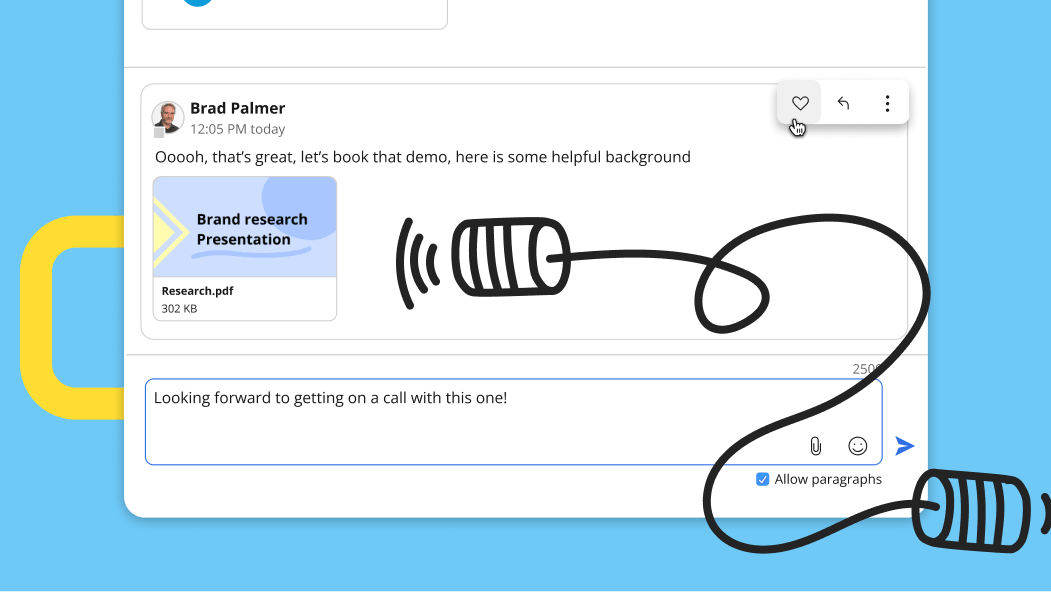
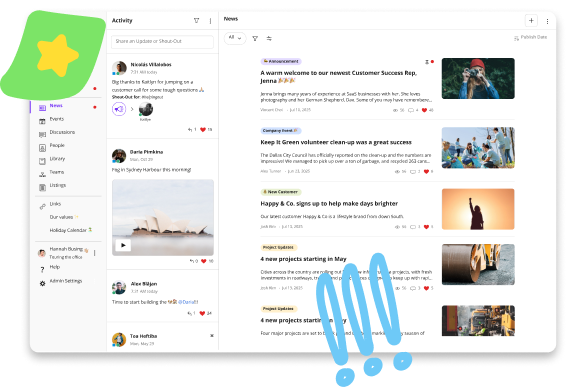
Jostle is designed around how employees experience work. They can catch up on news, find a colleague, recognize someone’s work, or join a discussion without jumping between tools.
SharePoint organizes information through customizable sites and files. It can support a broader employee experience, but you have to build and maintain that layer yourself.

No hidden intranet costs
Jostle’s pricing is published, and onboarding comes with the subscription. The cost of getting live is the cost of the software, and the team already publishing the content is the team that maintains it.
A SharePoint license may already sit inside Microsoft 365, but the intranet doesn’t come ready-made. That means budgeting for the specialists who build it and the ongoing work needed to manage it.
Compare Jostle vs Sharepoint on what matters
| Capability | Jostle | Sharepoint |
|---|---|---|
| Core intranet | ||
| Company news & announcements |

|
News posts, Organization news sites set up via PowerShell
|
| Content targeting (news, files, events) | All content targeted (by role, location, team, etc.) | Audience targeting |
| Read acknowledgments / must-reads |
Built-in Sign-Off
|

|
| Employee directory |
People view & Profiles
|
Manually curated. No directory page
|
| Org chart—Basic main org |
Teams view
|
Organization chart web part
|
| Org chart—Complex reporting |
|
|
| Org chart—Multiple charts |
|
|
| Document library |
Syncs permissions with Google Drive / OneDrive
|
Full versioning, co-authoring and permissions
|
| Discussion / Chat |
Discussions view
|
Page comments only
|
| Events management |
Events view
|
Events web part. No RSVP, no recurring events
|
| Employee recognition |
Shout-Outs, Birthdays, Work Anniversaries, and Badges
|
|
| Universal search |
Intranet & synced files
|
Microsoft Search
|
| AI-assisted search |
|
Requires Microsoft 365 Copilot paid add-on
|
| AI content governance |
Built-in Scheduled Review
|
Site-level lifecycle only. No page-level scheduled review
|
| Mobile app |
Publishing parity
|
News authoring supported
|
| Deployment & admin | ||
| Time to launch | Days | Months |
| Information architecture setup | None Pre-structured | High. Hub sites, three-tier navigation, and a governance framework to define |
| Onboarding coaching included |
|
|
| Admin training required | None Built for non-tech teams | High. Admin roles plus PowerShell for org news and site templates |
| Integrations | ||
| SSO (SAML 2.0) |
Entra ID, Okta, OneLogin, Google, others
|
Entra ID
|
| User provisioning (SCIM) |
Entra ID, Okta, Google Workspace, API
|
Entra ID provisioning—SCIM, LDAP, SQL, REST
|
| Google Workspace integration |
Deep integration
|
One-time migration only. No co-authoring of files on Google Drive
|
| Microsoft 365 integration |
OneDrive, SSO, Teams
|
Native
|
| Slack / MS Teams integration |
|
Teams native—no first-party Slack integration
|
| API |
|
Microsoft Graph
|
| Security & compliance | ||
| Data residency options |
US, Canada, EU (Ireland), Australia
|
30+ regions via the Multi-Geo add-on
|
| GDPR compliance |
|
|
| SOC 2 |
|
|
| Audit logs |
|
180 days on E3—one year requires E5 or Purview Suite
|
Jostle vs Sharepoint pricing
| Aspect | Jostle | Sharepoint |
|---|---|---|
| Pricing model | Per user/month, tiered by features | Bundled into Microsoft 365—intranet cost sits in build and upkeep |
| Published pricing |
View here
|
Microsoft 365 plan pricing
|
| License cost (500 users) | $2.77–$7.88/user/month (Bronze to Platinum) | No extra license cost if already on Microsoft 365 |
| Intranet-only license | Every tier is an intranet license |
SharePoint Plan 1 & 2 retiring. End of sale 2026, end of service 2029
|
| Ongoing maintenance | Included—no admin headcount required | Partner retainer or a dedicated SharePoint admin |
| AI-assisted search | Included | +$30/user/month for Microsoft 365 Copilot |
| Branded intranet destination | Included | Viva Connections needs an E, F or A licence. One destination, +$2/user/month for more |
| Automated content governance | Included | E5 or Purview Suite at +$12/user/month |
| Multi-region data residency | Included | Multi-Geo paid add-on |
| Free trial |
|
|
| Contract minimums | 1 year | 1 year typical—Business plans capped at 300 seats |
Trusted by 1,000+ organizations worldwide







_HighPerformer_HighPerformer 1.png)
4.6/5 in 222 reviews

Jostle vs Sharepoint FAQs
Is it hard to migrate from SharePoint to Jostle?
Migrating to Jostle doesn’t mean rebuilding what you already have. The structure comes with the platform, so there’s no network of sites, pages, or navigation to recreate before you can go live. An onboarding specialist works with you to plan the move, prepare your employee data, and get communicators publishing before launch.
Most of the work is deciding what comes across. Teams usually find that a good portion of their SharePoint content is outdated or duplicated. Files don’t necessarily need to move at all, since the Library connects to OneDrive so documents can stay where they are while employees reach them through Jostle.
Why should I choose Jostle over SharePoint?
It comes down to whether you want to build the employee experience or launch one.
SharePoint is a strong choice if you need deep document management, complex permissions structures, or a highly customized experience, and you have the internal resources to design and maintain it.
Choose Jostle if you want employees using the platform without spending months building it first. It’s faster to launch, and the day-to-day work of keeping it current sits with the people who own internal communication rather than with IT. It’s also built for the complete employee experience rather than one piece of a broader suite you have to commit to fully, so news, recognition, people, and resources all live in the same place from day one.
Does Jostle integrate with Microsoft 365?
Yes. Jostle’s Library connects to OneDrive, and permissions stay where they already live, so a file that’s restricted in OneDrive is restricted in Jostle without anyone maintaining a second set of access rules.
The same principle applies to people. Microsoft Entra ID handles single sign-on and automated provisioning, so employee records update as people join, change roles, or leave without an admin adding or removing accounts.
Teams notifications and Outlook calendar support cover the rest, and employees can create and co-edit Office documents without leaving Jostle.
How is Jostle different from SharePoint?
Jostle is a ready-made employee platform with defined places for news, people, conversations, and files. Every organization using it gets the same core structure, which means employees know where to look and that doesn’t change as the company grows or reorganizes.
SharePoint is a broader content and collaboration platform you can configure into an intranet. The experience your employees see is one your team designs, builds, and maintains, which gives you more control and more responsibility. The structure also tends to drift as departments add sites and pages, so keeping it coherent becomes an ongoing job.
How long does it take to set up Jostle?
Most organizations launch within a few days. There are no sites to build and no information architecture to plan, so setup is mainly connecting your employee data, configuring your destinations, and deciding what goes live first. Plus, Jostle’s free onboarding team helps with both, and plans the rollout so employees know what’s changing and where to find things on day one.
Forming your communication strategy usually takes the most time during setup. Decisions like agreeing on who publishes what, picking which teams need targeted content, and preparing the first few weeks of news so the platform doesn’t launch empty are all more time-consuming than implementing Jostle itself.
Do we need IT or a developer to run Jostle?
No. HR and communications teams manage everyday publishing and upkeep themselves, including news, Library content, events, and the People directory. Publishing an announcement or updating a policy takes minutes and no technical knowledge.
IT is typically involved once, during setup, to connect single sign-on and user provisioning. After that, there’s no page layout to maintain, no permissions architecture to manage, and nothing that requires a developer to keep the platform running.
What Jostle customers say
See how Jostle compares to other platforms






Ready to see the difference?
Get a personalized walkthrough and see how fast your team can go live with Jostle.