
Jostle vs Staffbase
Reach everyone without the rollout or the team to run it
Staffbase is built for large enterprises with a communications department to match. Channels and campaigns work well when someone owns them full time.
Jostle runs with the team you already have. The people who own the information—whether that’s HR or Operations—publish it themselves, without needing technical expertise.
Most organizations are live within days to weeks, with an implementation specialist and launch team handling the move from whatever you’re running now.
Get demo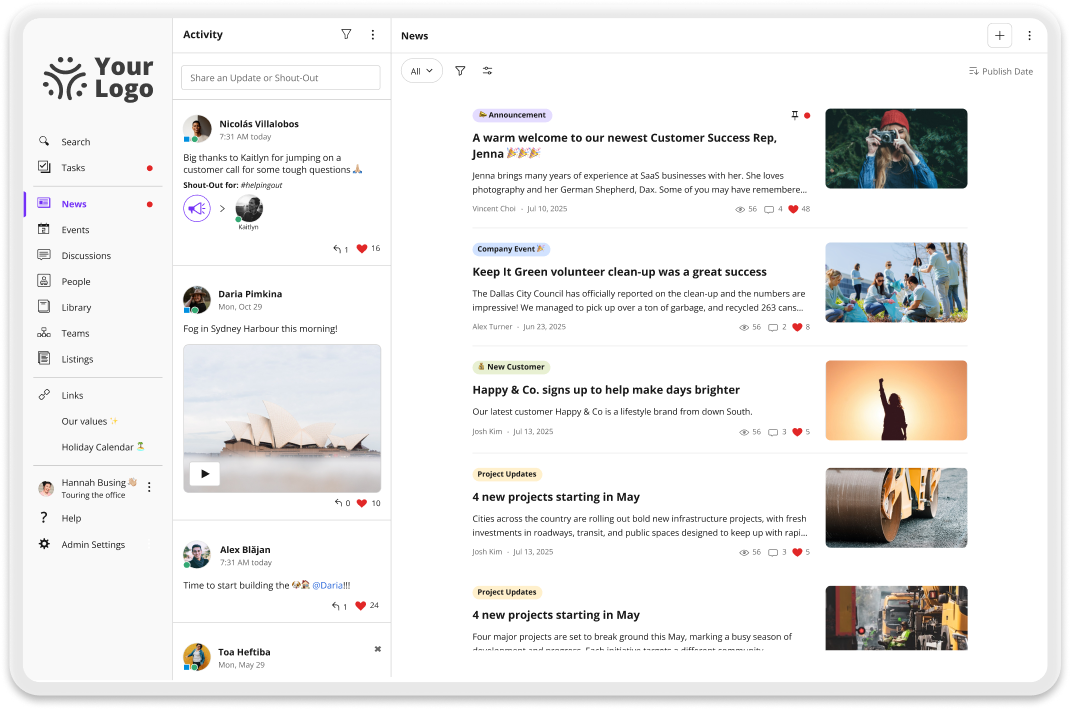
Why teams choose Jostle over Staffbase
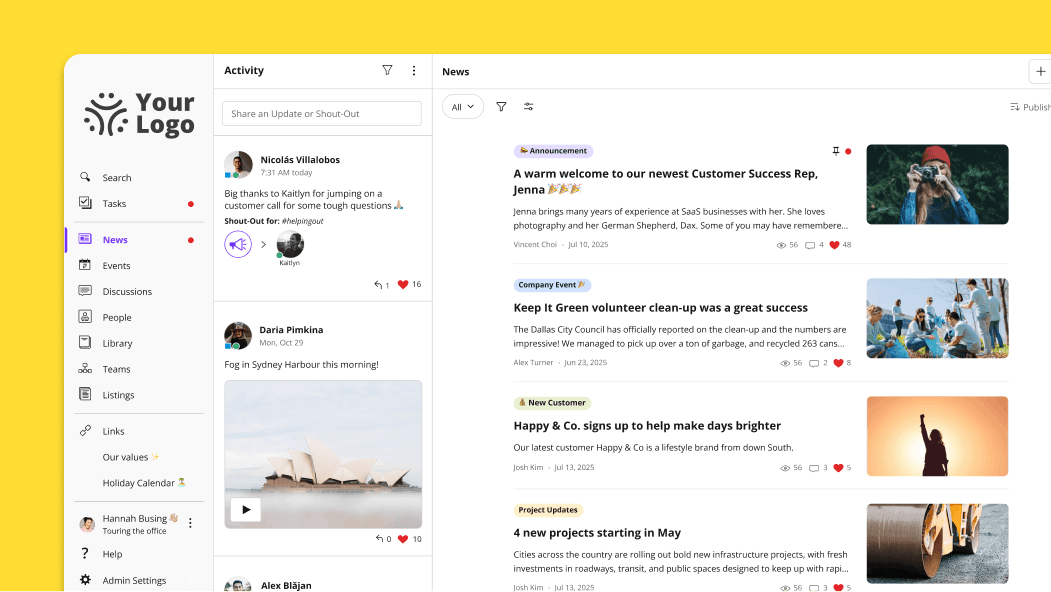
News your team will actually find
With Jostle, you don’t have to create a separate space to reach a specific audience. You target the post itself to a role, a location, a team, or any combination of them, so people get the updates that apply to them and skip the ones that don’t. Everything stays in News afterward, which means the employee who was on vacation that week still finds the announcement when they get back.
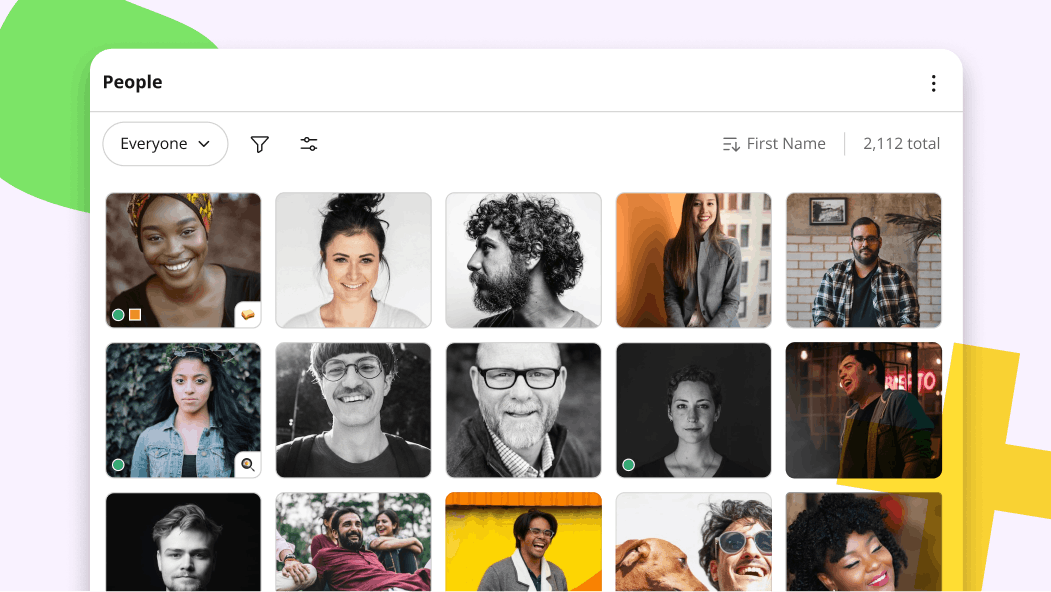
Run it without a dedicated comms or IT team
Publishing an update, choosing who sees it, and keeping the Library current can all sit with one non-technical owner in Jostle. That person doesn’t take on a section of the platform to run alongside it, and the job doesn’t grow into a role of its own as more people start posting. Most technical work happens during implementation, when IT connects single sign-on and employee data.
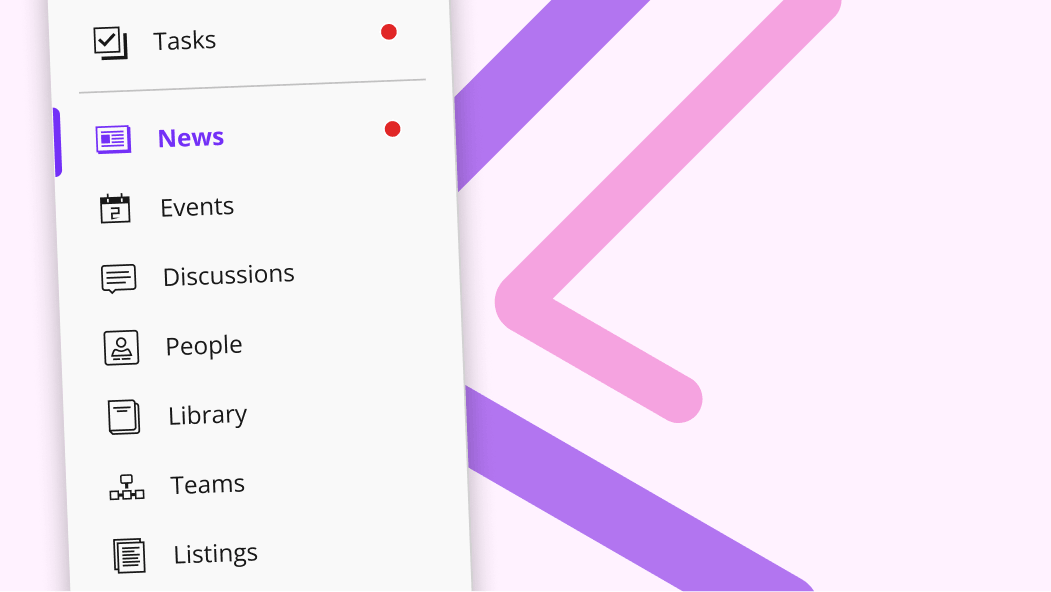
Updates, resources, and people in one place employees already know
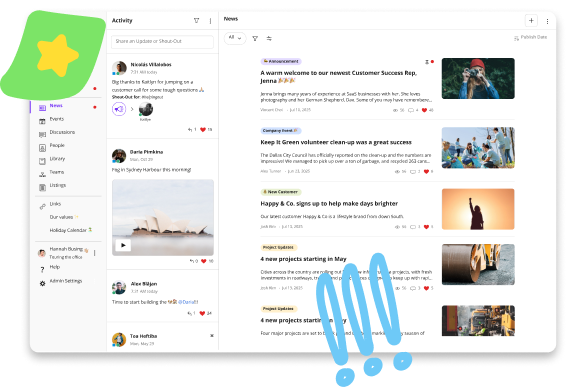
The structure you launch with in Jostle is the structure you have in two years. News, Library, People, and Activity are in place the day you start, each with a defined job, and they stay that shape while the organization changes around them. So when a department splits or a new location opens, there’s no page tree to audit, no navigation to prune, and no employee wondering where a thing moved to.
Recognition that doesn't compete with the announcements
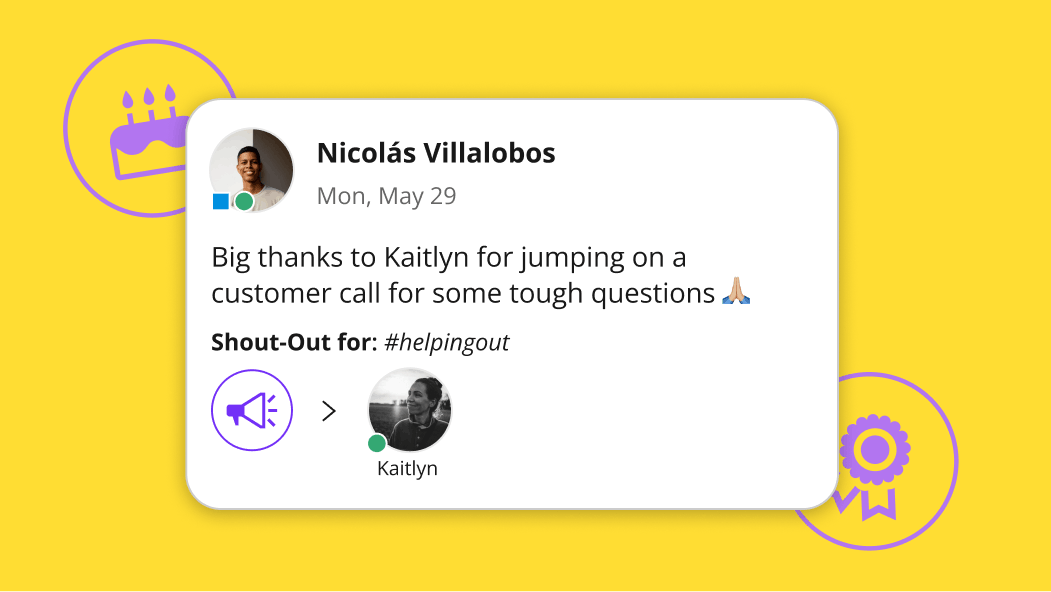
Activity runs alongside News in Jostle, so a shout-out for covering a shift and a policy change aren’t fighting for the same space. Birthdays and work anniversaries appear on their own without anyone scheduling them, and peer recognition shows up the same way a leader’s does. The destination is already there, which means nobody has to make the case for culture content before posting it.
Compare Jostle vs Staffbase on what matters
| Capability | Jostle | Staffbase |
|---|---|---|
| Core intranet | ||
| Company news & announcements |

|
|
| Content targeting (news, files, events) | All content targeted (by role, location, team, etc.) | Rule-based groups built from profile fields |
| Read acknowledgments / must-reads |
Built-in Sign-Off
|
Acknowledgements
|
| Employee directory |
People view & Profiles
|
Directory plugin with configurable filters
|
| Org chart—Basic main org |
Teams view
|
Built from the Manager field, no company-wide chart.
|
| Org chart—Complex reporting |
|

|
| Org chart—Multiple charts |
|
|
| Document library |
Syncs permissions with Google Drive / OneDrive
|
|
| Discussion / Chat |
Discussions view
|
Native chat and comments
|
| Events management |
Events view
|
Split across two plugins. No recurring events
|
| Employee recognition |
Shout-Outs, Birthdays, Work Anniversaries, and Badges
|
Thank You is a paid add-on. No badges, birthdays or anniversaries
|
| Universal search |
Intranet & synced files
|
Intranet, file contents and Box, Confluence and ServiceNow connectors
|
| AI-assisted search |
|
Paid add-on
|
| AI content governance |
Built-in Scheduled Review (keeps content fresh safely)
|
|
| Mobile app |
Publishing parity
|
Consumption only
|
| Deployment & admin | ||
| Time to launch | Days | 90 days (vendor claim) |
| Information architecture setup | None Pre-structured | Moderate—profile fields, groups, spaces, channels and menus to design |
| Onboarding coaching included |
|
|
| Admin training required | None Built for non-tech teams | Moderate. Learn Hub courses across seven role levels |
| Integrations | ||
| SSO (SAML 2.0) |
Entra ID, Okta, OneLogin, Google, others
|
SAML 2.0 and OpenID Connect—Entra ID, Okta, OneLogin, Google, ADFS, SAP
|
| User provisioning (SCIM) |
Entra ID, Okta, Google Workspace, API
|
Entra ID, Okta, SailPoint, One Identity
|
| Google Workspace integration |
Deep integration
|
Drive search in beta
|
| Microsoft 365 integration |
OneDrive, SSO, Teams
|
|
| Slack / MS Teams integration |
|
|
| API |
|
|
| Security & compliance | ||
| Data residency options |
US, Canada, EU (Ireland), Australia
|
|
| GDPR compliance |
|
|
| SOC 2 |
|
|
| Audit logs |
|
|
Jostle vs Staffbase pricing
| Aspect | Jostle | Staffbase |
|---|---|---|
| Pricing model | Per user/month, tiered by features | Custom quotes—frontline, mixed-workforce and enterprise approaches |
| Published pricing |
View here
|
|
| Starting price (500 users) | $2.77/user/month (Bronze) |
|
| Mid-tier price (500 users) | $4.98/user/month (Silver) |
|
| Full-featured price (500 users) | $6.64/user/month (Gold) |
|
| Enterprise / all features | $7.88/user/month (Platinum) |
|
| What’s included at base tier | News, Activity, People, Discussions, mobile apps, SSO, provisioning, analytics, onboarding, coaching | Not published |
| Add-on modules | Tasks, Teams, JostleTV, Listings, Events—Silver+ tiers | Thank You, Q&A, Ideation, Content Pro, Navigator. Priced separately |
| Onboarding / implementation | Included in subscription | Not published |
| Free trial |
|
Demo and custom proposal
|
| Contract minimums | 1 year | Not published |
Trusted by 1,000+ organizations worldwide









_HighPerformer_HighPerformer 1.png)
4.6/5 in 222 reviews

Jostle vs Staffbase FAQs
Is it hard to migrate from Staffbase to Jostle?
No, because most of it is sorting rather than rebuilding. Jostle’s destinations already exist, so there’s no structure to recreate before you can go live. Staffbase content tends to sit across spaces, news channels, pages, and plugins, and in Jostle most of it collapses into News, Library, and People.
The work is deciding what comes across. Teams usually find a meaningful share of what they’ve accumulated is outdated, duplicated, or was only ever relevant to a group that no longer exists. An implementation specialist works with you to plan the move, prepare your employee data, and get publishers ready before launch.
Files don’t necessarily need to move at all. The Library connects to OneDrive and Google Drive, so documents can stay where they are while employees reach them through Jostle.
How long does it take to get set up in Jostle?
Most organizations launch in weeks or less. There’s no custom development between signing and publishing, and no setup fee either, so the timeline comes from your content and your rollout.
Jostle’s onboarding runs a four-week plan, and simpler deployments may launch faster. An implementation specialist and launch team work with you through configuration, content preparation, and rollout planning.
Confirm the implementation plan, internal staffing requirements, and any migration scope in your proposal.
Does Jostle work for frontline and deskless teams?
Yes, on a phone, on a shared screen, or both. The mobile app carries almost all of the desktop platform, with small gaps in admin and publishing work that rarely happens outside of the office.
The app has everything a frontline worker needs: News, Library, People, and Search all work on a phone, without needing a corporate email, and with biometric sign-in for getting in quickly mid-shift.
JostleTV covers anyone without device access during working hours. It streams your platform continuously to a screen in a break room, cafeteria, or on the factory floor, so employees see the latest news, recognition, and events without logging in or interacting with anything.
Do we need a dedicated internal comms team to run Jostle?
No. Routine publishing can sit inside an existing HR, operations, or communications role, because the people who own information publish it directly rather than routing it through a central team.
That holds as you add publishers. Granting someone the ability to post doesn’t hand them an area of the platform to administer, a set of groups to maintain, or analytics to review, so the coordination overhead doesn’t grow with the number of people posting.
Organizations with a comms function still benefit from one. The difference is whether the platform requires it before you can publish anything.
How does targeting work if we don’t have channels?
The audience is set on the post. When you publish, you choose who it reaches from employee data already in Jostle, so an update can go to specific locations, divisions, departments, or project teams without anything being created first.
The same applies to everything else. Library sections carry their own audience, and JostleTV screens are configured by location, so what appears on a break room screen reflects the site it’s in.
Because targeting lives on the content rather than on a container, changing who sees something is an edit rather than a restructure.
What AI features does Jostle have?
JostleAI is included with every package, no waitlist or separate plan and activation required.
- Ask a Question answers in plain language from your Library and Jostle’s Support Center, citing the documents it used and linking to them.
- Weekly Digest is assembled per person from their employee data, including role, location, and what they’ve already read or interacted with.
- Summaries condense News and Library items so people can preview it before opening a file.
- Image suggestions find licensed images to go with a News post.
Answers only draw on documents that person can already see, so the same question returns different answers to different people. Plus follow-up questions keep the context of the conversation, and a System Admin can switch any of it on or off in Admin Settings.
What Jostle customers say
See how Jostle compares to other platforms






Ready to see the difference?
Get a personalized walkthrough and see how fast your team can go live with Jostle.